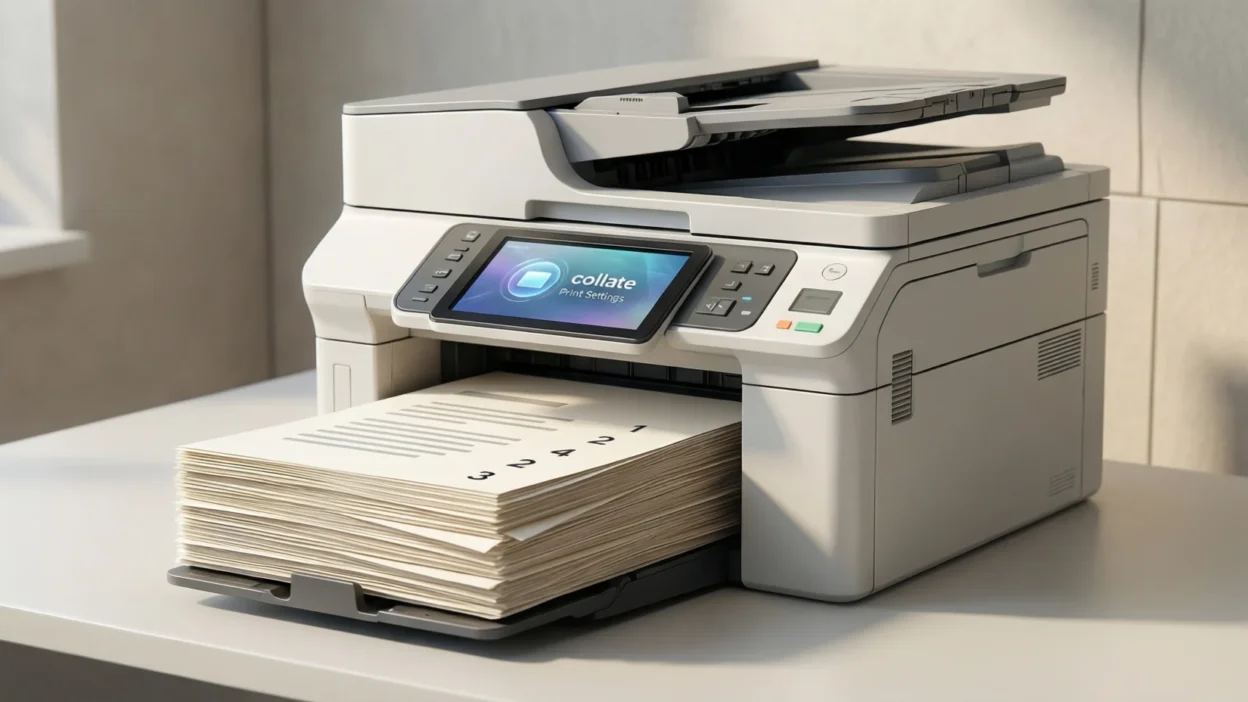
The first time you see the word “collate” while printing, it usually happens right before you hit the print button.
You’re in a hurry, the printer settings pop up, and there it is—collate. You might wonder, do I need this on or off? Will it mess up my pages?
A lot of people click past it without really knowing what it does, only to end up with papers in the wrong order.
If you’ve ever been confused by this printing option, you’re not alone.
Quick Answer
When printing, collate means printing multiple-page documents in the correct page order as complete sets.
What Collate Means When Printing
Plain-English Explanation
In printing, collate controls how pages are organized when you print multiple copies of a document.
- Collated printing: Prints full sets in order
- Example: 1–2–3, 1–2–3, 1–2–3
- Uncollated printing: Prints the same pages together
- Example: 1–1–1, 2–2–2, 3–3–3
There is no abbreviation or full form—collate is a standard printing term.
Why People Use Collation
- To save time organizing pages
- To hand out documents easily
- To avoid manually sorting papers
- To keep reports and assignments neat
Short Example Sentence
Bold summary:
In printing, collate means arranging printed pages into complete, ordered sets for each copy.
Where You’ll See the Collate Option
You’ll usually see collate in printer settings before printing.
Common Places
- Printer dialog box on Windows or Mac
- Office printers and copiers
- PDF viewers (like Adobe Reader)
- School, office, or home printers
Tone / Usage Type
- Neutral and technical
- Used in formal and informal settings
- Common in school, office, and professional printing
Unlike slang terms, collate is a standard printing term, not casual chat language.
Realistic Printing Scenarios
Here are simple, real-world examples written in a casual style:
- “i forgot to collate and now all my pages are mixed up”
- “turn collate on before printing 20 copies”
- “the printer collated everything perfectly”
- “why did it print all page 1s first?”
- “collate saves so much time for handouts”
- “i need collated copies for the meeting”
- “uncollated is fine if you’re stapling later”
These show how the word is used naturally in everyday printing situations.
When to Use and When Not to Use Collate
✅ When to Use Collate
- Printing multi-page documents
- Printing multiple copies
- Preparing reports, assignments, or handouts
- Documents that will be shared immediately
❌ When Not to Use Collate
- Printing only one page
- Printing a single copy
- When you plan to manually organize pages later
Comparison Table
| Context | Example Setting | Why It Works / Doesn’t |
|---|---|---|
| Class handouts | Collate ON | Each set is ready |
| Office reports | Collate ON | Saves time sorting |
| Single-page flyer | Collate OFF | No difference |
| Manual binding | Collate OFF | Pages grouped intentionally |
Collate vs Uncollate (Simple Comparison)
| Option | What Happens | Best For |
|---|---|---|
| Collate | Prints full sets in order | Handouts, reports |
| Uncollated | Prints same pages together | Bulk sorting, binding |
If you’re unsure, collate is usually the safer choice.
FAQs About Collate When Printing
1. What does collate mean on a printer?
It means printing pages in complete, ordered sets.
2. Should I turn collate on or off?
Turn it on when printing multiple-page documents with multiple copies.
3. Does collate matter for one copy?
No, it only affects multiple copies.
4. Why are my pages printing out of order?
Collate may be turned off.
5. Is collate the same on all printers?
Yes, the function is the same, though placement may vary.
6. Does collating slow down printing?
Slightly, but it saves time afterward.
Final Thought
Collate is a small but important printing setting that can save you a lot of time and frustration.
When turned on, it keeps multi-page documents organized into neat, ready-to-use sets.
Understanding what collate means helps you print smarter—whether you’re working at home, school, or the office.